To access the Turtle module and define a turtle, we use the following lines of code:
import turtle
t = turtle.Turtle()
With our turtle t, we can make this turtle navigate around the screen, similar to our programming with Scratch.
Some commands for the turtle are:
t.forward(n), t.back(n) will move the
turtle n pixels in the current direction, t.goto(x, y) will go to a
particular location on the screen.
t.right(d), t.left(d) will turn the turtle left or right
by d degrees.
t.dot(size)
t.penup(), t.pendown()
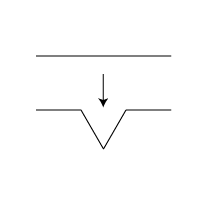
Now we can repeat, at each level, replace these four new lines in the same manner. Write a recursive
function in a file called fractal.pyto have the turtle draw this replacement, with the base case being to draw a line, and
the recursive case be to draw these four lines at 1/3 the original distance.
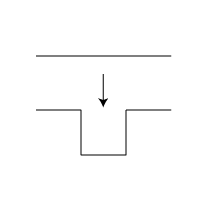
Koch 2
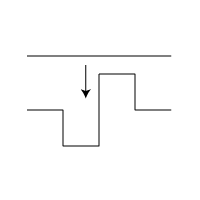
Koch 3
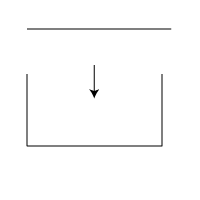
C-curve
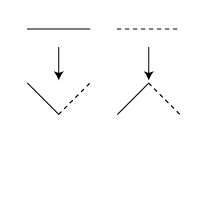
Dragon Curve
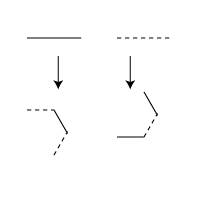
Sierpinski's Triangle
cs.centenary.edu through either Secure FTP or WinSCP using your
cs login and password. Create a subdirectory from csc207
called lab11. Copy your fractal.py project into this directory. Make sure
you have followed the Python Style Guide, and
have run your project through the Automated Style Checker.You must hand in: